
Windowcraft
Move and resize windows from anywhere
Hold modifier keys and drag anywhere inside a window to move or resize it. No need to hunt for title bars or edges.
Download Free Trial
Requires macOS 14 Sonoma or later
Move and resize windows from anywhere
Hold modifier keys and drag anywhere inside a window to move or resize it. No need to hunt for title bars or edges.
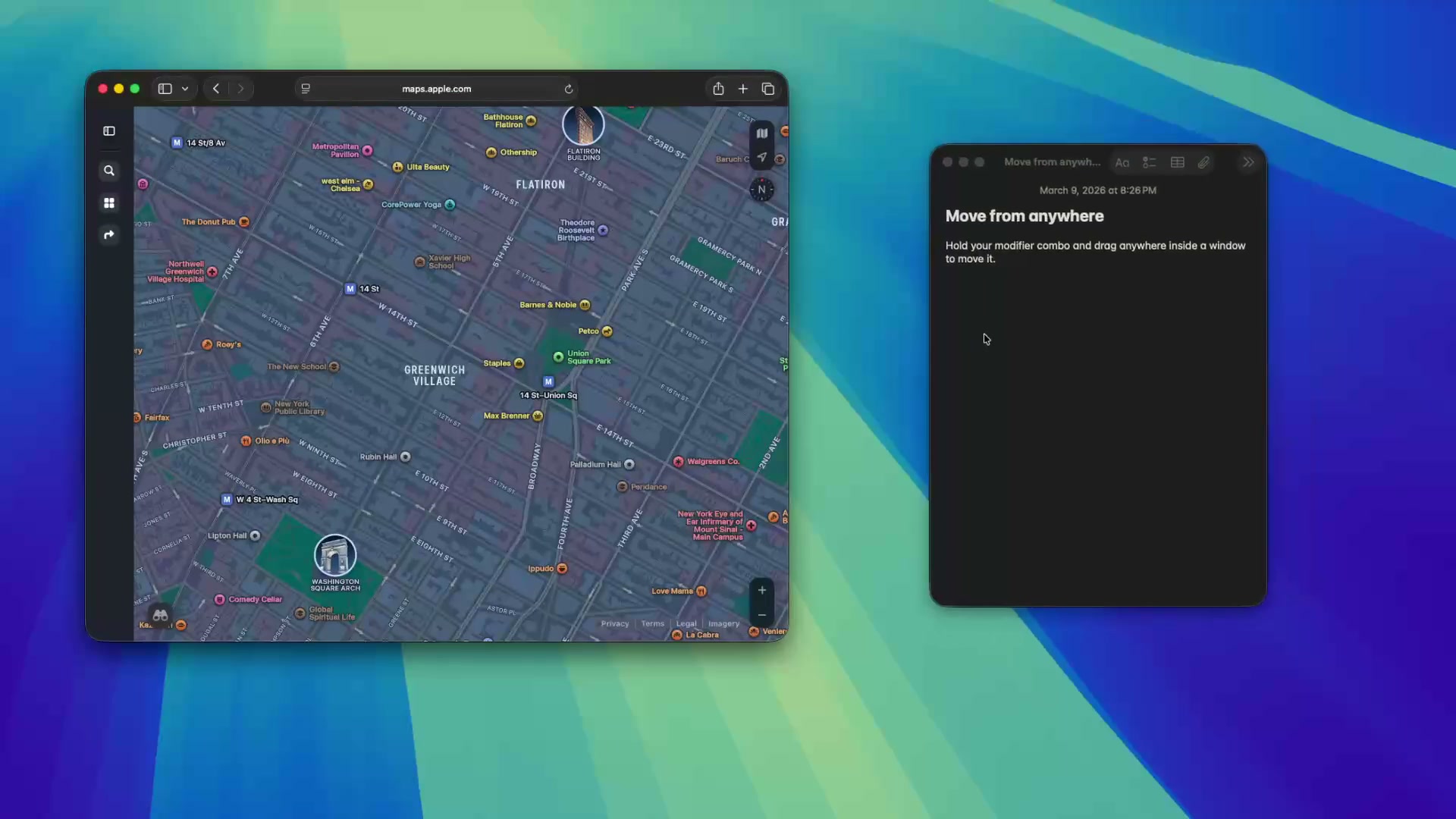
Hold your modifier keys and drag anywhere inside a window to move it. No more aiming for the title bar — grab the window wherever your cursor happens to be.
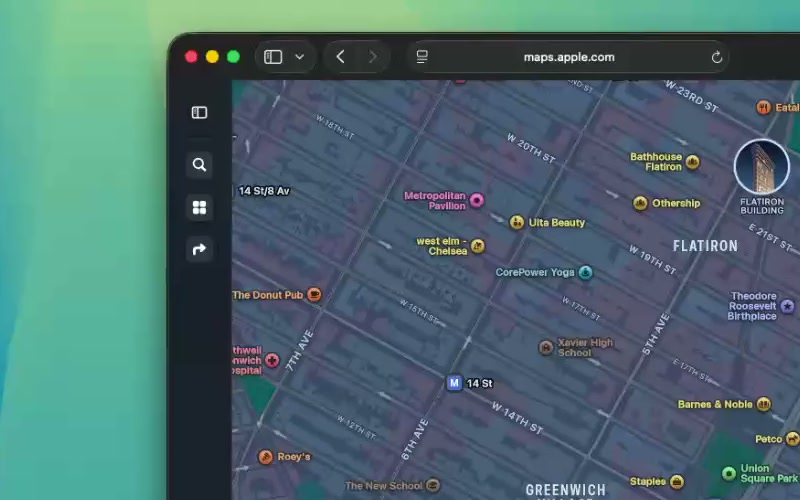
With a different modifier combo, drag to resize from the nearest corner. Windowcraft figures out which edge you mean based on where your cursor is in the window.
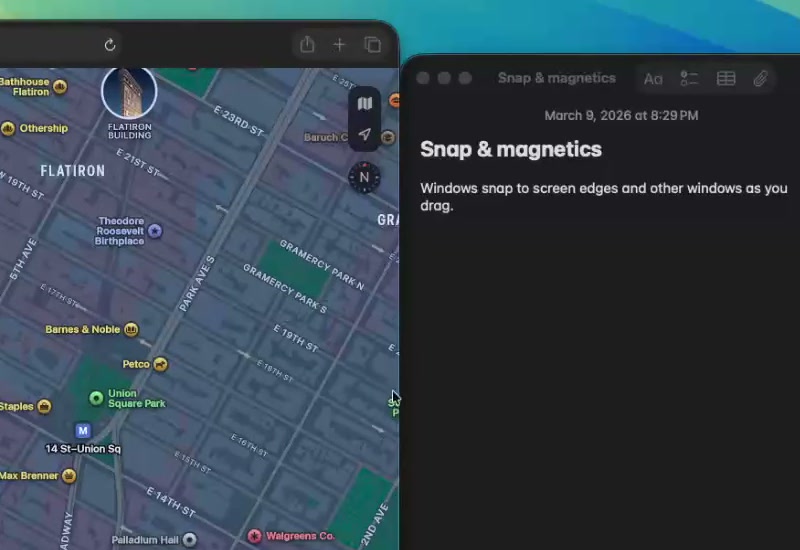
Windows snap to screen edges and other windows as you drag. Magnetic edges help you tile windows neatly without pixel-perfect precision.
Built with Swift and AppKit — no Electron, no web views. Windowcraft sits quietly in your menu bar using virtually zero resources until you need it.
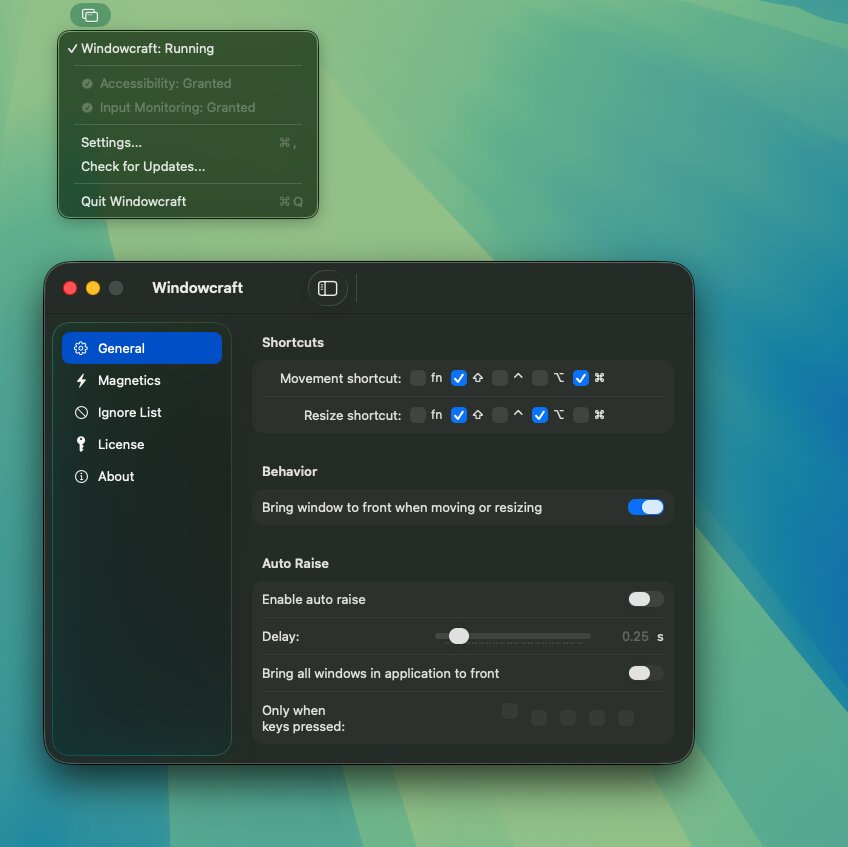
Press your chosen modifier key combination (e.g. Ctrl+Cmd) to activate move mode.
Click and drag anywhere inside the window — the whole surface becomes a handle.
Let go of the mouse and modifier keys. The window stays in its new position.
Try Windowcraft free for 14 days. If you like it, a license is a one-time purchase.
Windowcraft needs macOS Accessibility APIs to move and resize windows across all apps. Apple's App Store sandboxing blocks these APIs, so — like many window management tools — we distribute directly.
Windowcraft requires Accessibility permission to move and resize windows, and Input Monitoring permission to detect modifier key presses. Both are granted in System Settings → Privacy & Security.
Yes. Move and resize windows across any number of displays. Snap edges work at screen boundaries and between monitors.
Absolutely. Open Windowcraft's preferences from the menu bar icon and pick any combination of modifier keys for move and resize actions.